

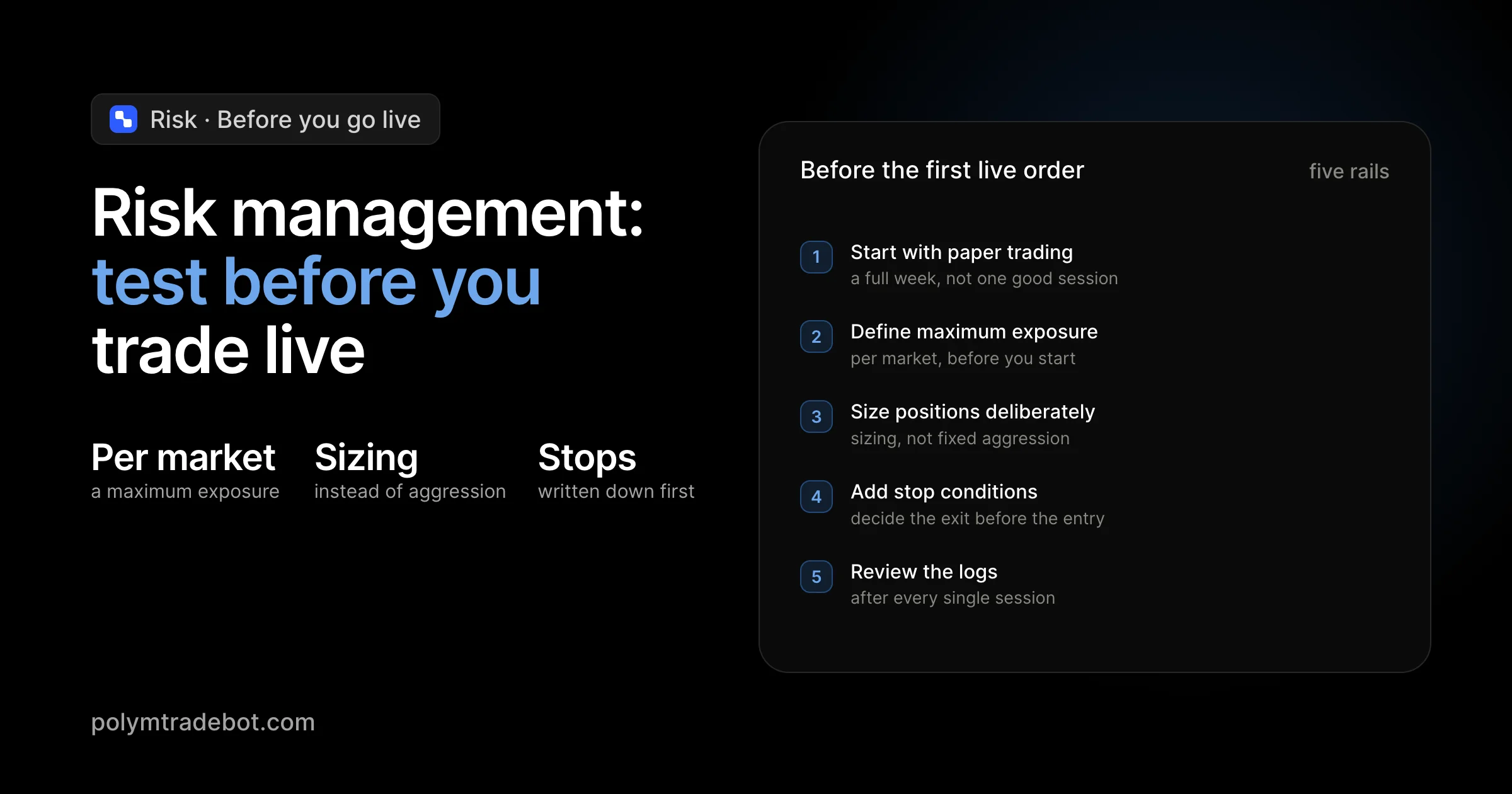
Automation can make Polymarket trading faster, but speed only helps when the rules are controlled. A Polymarket bot should not be judged only by how quickly it places orders. The more important question is whether it limits risk when the market becomes noisy, illiquid, or unpredictable.
This is especially true for 5-minute and 15-minute crypto markets. Bitcoin, Ethereum, Solana, and XRP Up or Down markets can move sharply inside a single window. A strategy that looks profitable for a few trades can fail quickly if the bot has no position limits, stop conditions, or paper trading workflow.
This guide explains how to think about risk management before running a Polymarket trading bot with live USDC.
Why risk management matters for Polymarket bots
Manual traders often lose money because they hesitate, chase entries, or increase size after a bad result. Bots remove emotion, but they introduce a different risk: they can repeat a bad rule perfectly and very quickly.
That is why every automated setup should have explicit limits. The bot needs to know when to enter, when to skip, how much to trade, and when to stop for the day. Without these rules, automation becomes leverage on uncertainty.
Good risk management does not make prediction markets risk-free. It makes the downside visible, configurable, and easier to review.
Start with paper trading
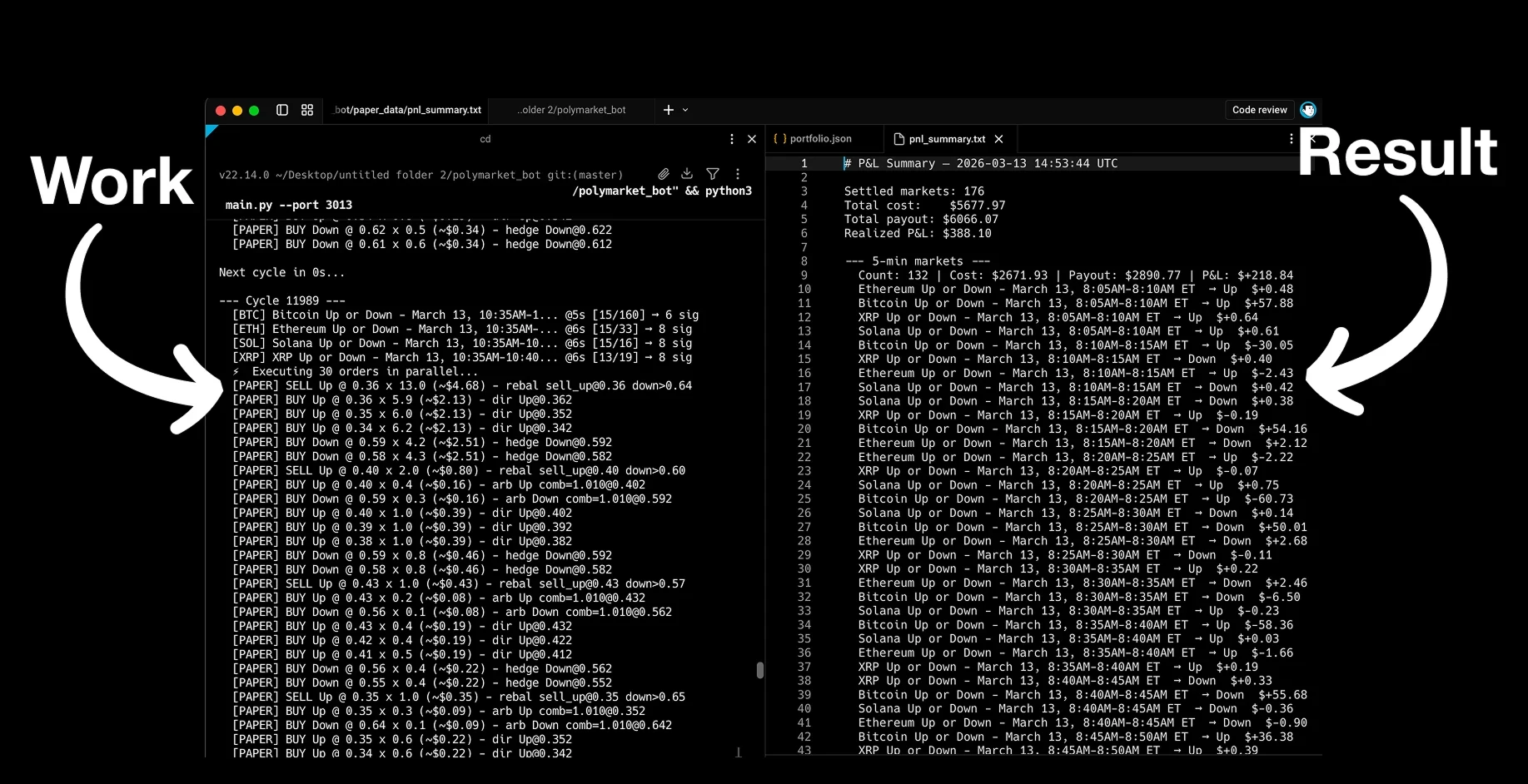
Paper trading means running the bot against live market data without placing real orders. It is the safest way to test whether your configuration behaves as expected.
For short-horizon Polymarket crypto markets, paper trading is useful because you can collect many market examples quickly. In one session, you may see calm markets, volatile candles, late-window reversals, thin liquidity, and fast probability changes.
During paper testing, focus on behavior instead of profit alone. Ask these questions:
- Did the bot enter only when the configured conditions were met?
- Did it skip markets when the price was not attractive?
- Did position sizes stay inside the budget?
- Did logs explain why each trade was opened or skipped?
- Did the bot stop when a configured limit was reached?
If you cannot answer these questions from the logs, the setup is not ready for live execution.
Define maximum exposure per market
One of the simplest risk controls is maximum exposure per market. This setting limits how much capital the bot can allocate to a single 5-minute or 15-minute window.
For example, if your total testing budget is limited, you may decide that no single market should use more than a small percentage of it. This prevents one bad window from damaging the entire account.
Exposure limits are also useful when markets become chaotic. If price action accelerates, the bot may see multiple signals in a short period. A maximum exposure rule prevents it from stacking too many positions in the same market.
Use position sizing instead of fixed aggression
A Polymarket bot should not treat every signal the same way. Some entries may have a clearer edge, better liquidity, or more time before settlement. Others may be marginal and should receive smaller size or be skipped.
Position sizing can be simple at first. Many traders start with a fixed trade scale and reduce it during early live tests. The goal is to prove that the bot behaves correctly before increasing capital.
A conservative live-testing sequence might look like this:
- Run the bot in paper mode for multiple sessions.
- Start live testing with a small trade scale.
- Review fills, slippage, and skipped entries.
- Increase size only after repeated stable sessions.
- Reduce size again when market conditions change.
The best setup is the one you can explain clearly after every trade.
Add stop conditions
Stop conditions tell the bot when not to trade. They are just as important as entry conditions.
Useful stop rules include:
- Stop after a maximum daily loss.
- Stop after a maximum number of trades.
- Stop when the market is too close to settlement.
- Stop when order book liquidity is too thin.
- Stop when price movement becomes too unstable.
- Stop when API errors or failed order attempts appear repeatedly.
These rules help prevent small technical or strategic problems from becoming larger account-level problems.
Review logs after every session
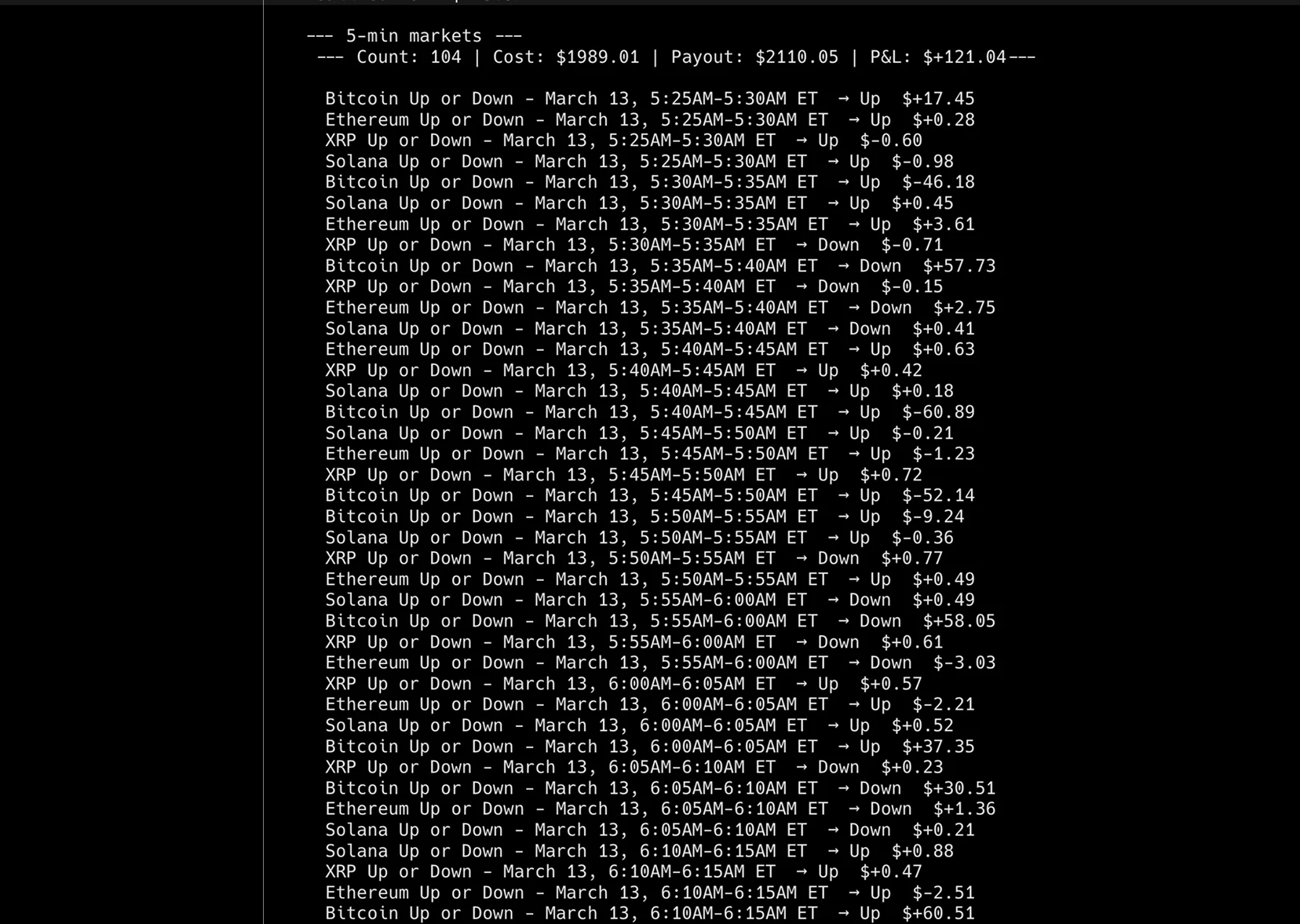
Logs are the feedback loop of an automated trading system. A transparent bot should show market selection, entry conditions, simulated or real orders, skipped trades, errors, and final results.
After each session, look for patterns. Did the bot enter too late? Did it overtrade during volatility? Did it buy at prices that no longer matched the strategy? Did it skip profitable-looking markets for a good reason?
The answer should come from data, not memory. Clear logs make it easier to improve the strategy and easier to catch configuration mistakes before they repeat.
Avoid overfitting to one good session
A common mistake is to run a bot for one profitable session and assume the strategy is ready. Short-term crypto markets can reward luck for a while. A good test should include different market conditions.
Try to evaluate the bot across high volatility, low volatility, strong trends, sideways markets, and sudden reversals. If the strategy only works in one environment, the configuration should reflect that. Sometimes the best rule is to avoid trading when the setup is not present.
Why full source code helps with risk controls
Black-box bots can be difficult to trust because you cannot inspect the decision logic. With full Python source code, you can review how thresholds work, how orders are placed, how logs are written, and how risk limits are enforced.
Source-code access also makes customization easier. You can add Telegram alerts, change position sizing, adjust stop rules, or ask an AI coding assistant to explain a function before you run it.
The Polymarket Trading Bot is designed for traders who want that level of control: local execution, paper trading mode, configurable thresholds, and full Python source code for short-horizon crypto markets. You can review the script and pricing here: Polymarket Trading Bot.
Final checklist before live trading
Before switching from simulation to live USDC, confirm the basics:
- The bot has been tested in paper mode.
- Maximum exposure per market is configured.
- Trade size is small enough for the first live session.
- Stop conditions are enabled.
- Logs are easy to review.
- You understand the strategy well enough to explain why it enters and exits.
A Polymarket bot is most useful when it turns a defined process into consistent execution. Start small, test carefully, and scale only when the data supports it.